Introductory Econometrics at lightboard speed
I redeveloped the introductory course on econometrics for the Adelaide University in 2025. This is a second-year course for students enrolled on the Honours program (formerly the Bachelor of Economics Advanced) who have already sat an introductory course on statistics (Data Analytics), with a class size of about 20 to 25 people.
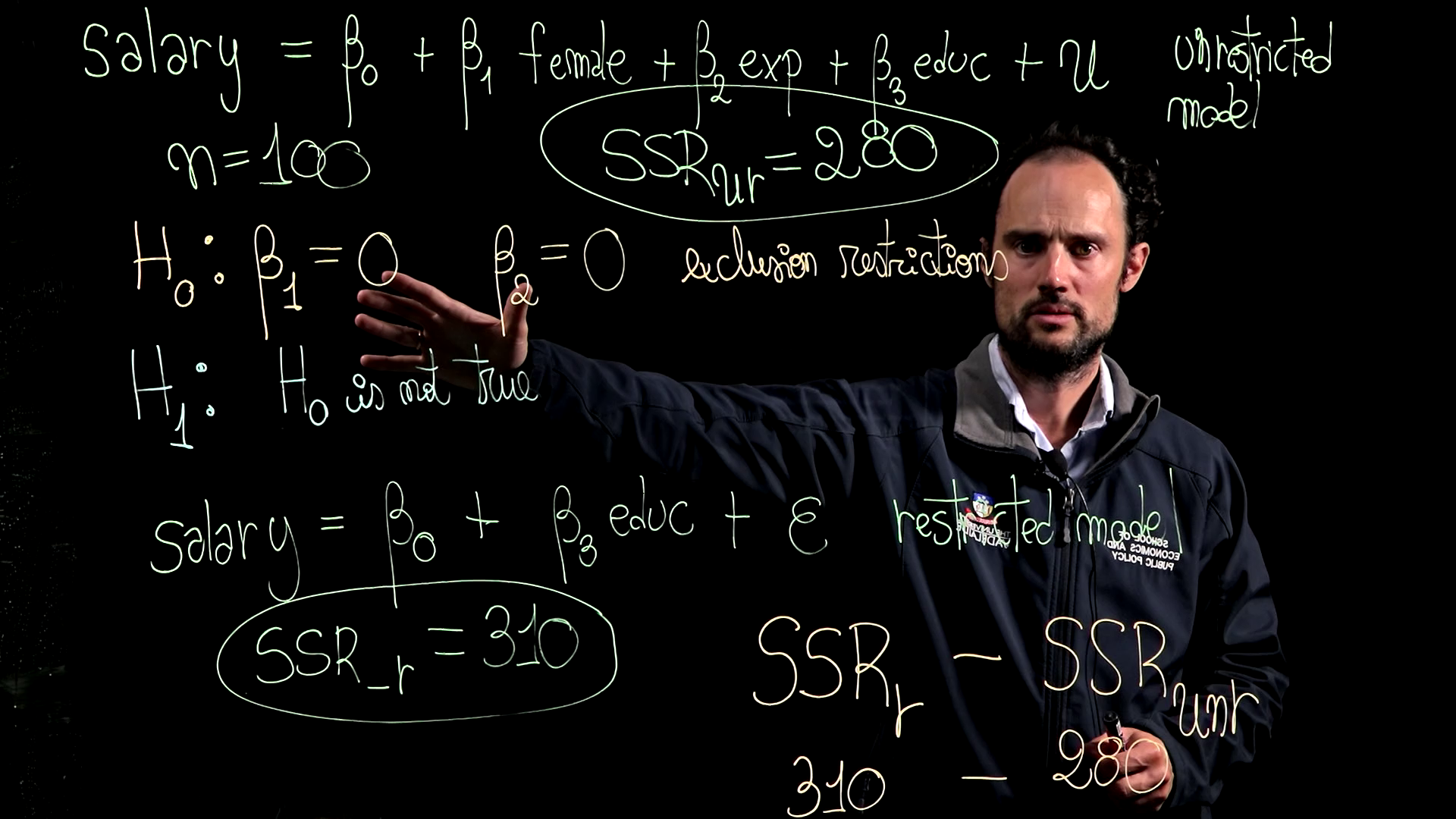
WRONG JACKET! Early on I made the first blooper which was to record the video wearing the jacket of the wrong University! See Adelaide University
I built on the footprint of the course we had at the former University of Adelaide, which roughly follows the style of Jeffrey Wooldridge’s Introductory Econometrics, focusing in detail on the OLS estimator of the linear model and covering some violations of the classical linear model, but not including the instrumental variable estimator.
The big innovation in the teaching delivery at the new Adelaide University is that all expository lectures are recorded, and ergo the online course site becomes the primary source of information for students.
I decided to set the bar high on the quality of videos; I used the lightboard for most derivations and proofs while relegating more practical material to more prosaic voice-over-slides videos.
The lightboard is an expensive technology: it takes time to learn, video editing is involved, clearing the board is not trivial, and the board itself at our University is rather small. But my investment cost was lower because I had already used the lightboard at the University of Western Australia during COVID.
The big advantage of the lightboard is that it allows the viewer to establish “eye contact” with the speaker, which I suspect increases engagement and motivation, and unquestionably looks more eye pleasing than any voice-over slides. Funny enough, the videos made me known across campus since the videos were used across a few of our econometric courses. As a result, walking over the campus food court, a completely unknown student will say “hi” realising I’m “the guy in the videos” (I haven’t yet dared to ask whether they liked the videos or hate my Spanish accent)
One challenge of teaching through videos is that, as an asynchronous medium, you don’t get real-time feedback (i.e., looking at students’ faces) to see whether they understand what is being discussed. The solution I found is to write a high-level script for each video that makes crystal clear the connection between concepts and the different screens (boards) one is going to use. A high-level script describes the connection between the paragraphs of what is going to be said rather than the specific way of saying it. At the beginning, I did experiment with detailed scripts, as I have had in my days as an actor. This turned out to be so unnatural that I discarded it. Reading a script on a teletype renders the teacher unnatural, detaching any humanity from it and making it feel more machine-like. In these days, making teaching human has higher marginal utility.
Another learning was to focus on short videos of no more than 10 to 20 minutes. Short videos are easier to script well, reduce the enormous fatigue of recording, are easy to swap and distribute across courses, and it is faster to edit in case… a mistacke may appear.
Speaking of mistakes, early on I collected all bloopers while recording, which works as a great summary of the course since bloopers are scattered throughout the course content. This reinforces students’ empathy and connection with the teacher, it makes them see that the teacher is as human as them, bolstering motivation and engagement.